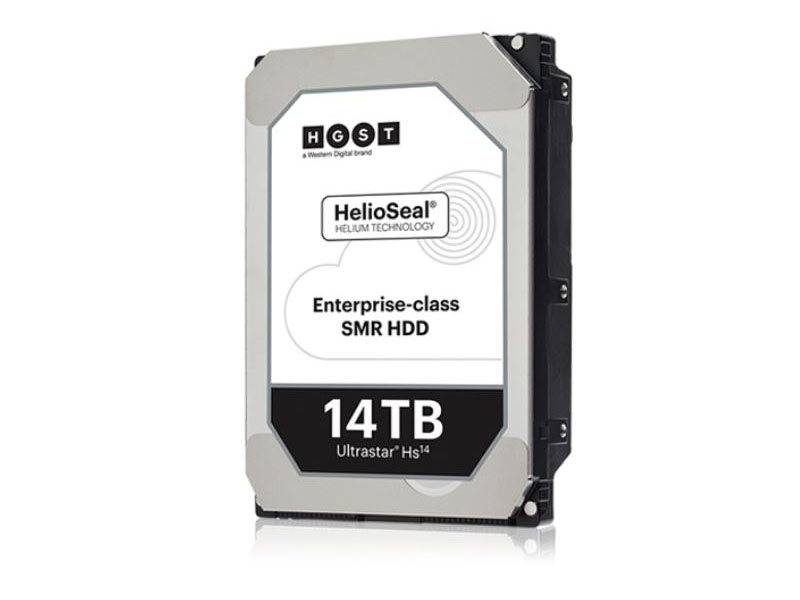
What To Do When a Hard Drive Starts Clicking
Introduction
A clicking sound coming from a hard drive is one of the most common and most dangerous signs of hardware failure. Many users describe it as a ticking, beeping, or repetitive clicking noise, often followed by the drive not being detected by the computer.
This sound usually indicates a mechanical or internal failure, and continuing to power on the drive can significantly reduce the chances of successful data recovery.
Why Does a Hard Drive Start Clicking?
A hard drive may start clicking for several reasons, including:
-
Read/write head failure
-
Damage to internal components
-
Firmware corruption
-
Power supply issues
-
Physical shock or dropping the drive
In most cases, the clicking sound is caused by the drive’s heads failing to read data from the platters and repeatedly attempting to reset.
What You Should NOT Do (Very Important)
When you hear clicking sounds from a hard drive, avoid the following:
-
Do not keep restarting the drive
-
Do not run recovery software
-
Do not open the drive yourself
-
Do not place the drive in a freezer or apply heat
-
Do not connect it repeatedly to different computers
These actions can cause additional physical damage and make professional recovery more difficult or impossible.
What You SHOULD Do Immediately
To protect your data and improve recovery chances:
-
Power off the drive immediately
-
Disconnect it from all systems
-
Store it in a safe, dry place
-
Avoid further testing or experimentation
-
Consult a professional data recovery service
Early intervention is critical in mechanical failure cases.
Can Data Be Recovered From a Clicking Hard Drive?
Yes, in many cases data can be recovered, but success depends on:
-
Type of internal damage
-
Whether the drive was powered on repeatedly
-
Previous recovery attempts
-
Drive model and condition
Professional recovery may involve head replacement, firmware repair, or controlled clean-room procedures.
Why Professional Recovery Is Important
Recovering data from a clicking hard drive often requires:
-
Clean-room environment
-
Specialized hardware tools
-
Donor parts compatibility
-
Firmware-level diagnostics
Software-based tools cannot fix mechanical failures and may worsen the damage.
When to Contact a Data Recovery Specialist
If your hard drive is clicking, making unusual noises, or not being detected, it’s important to stop using it immediately and consult an experienced data recovery lab.
At this stage, professional handling provides the highest chance of successful data recovery while protecting your data privacy.
Final Thoughts
A clicking hard drive should always be treated as a serious issue. Acting quickly and avoiding risky DIY attempts can make the difference between successful recovery and permanent data loss.
If the data is important, professional evaluation is the safest next step.